Memories 入門指南就很夠用,但筆者還是紀錄下實際安裝過程中遇到的問題。
支援 HEIC 和影片格式
進入 container
1 | docker exec -it nextcloud bash |
輸入指令安裝 ffmpeg
1 | apt-get update |
輸入指令安裝 nano
1 | apt-get install nano |
在 config.php 新增設定
nano /var/www/html/config/config.php
1 | 'enabledPreviewProviders' => |
反向地理編碼 Reverse Geocoding (Places)
初步安裝好 Memories 後,進入 NextCloud >「管理設定」>「回憶」
選擇「下載地圖資料庫」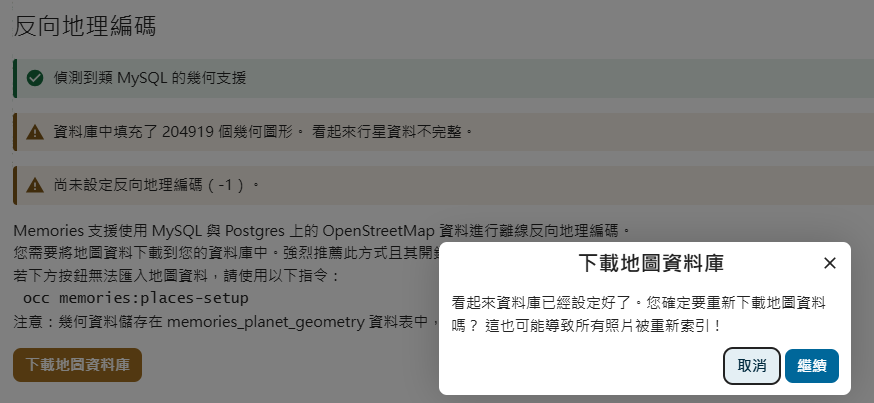
挖~ 出現這行錯誤
1 | ERROR: Failed to insert polygon 14590532_0 (An exception occurred while executing a query: SQLSTATE[HY000]: General error: 2006 MySQL server has gone away |
就連網站都掛了
1 | Internal Server Error |
別擔心,是因為 MariaDB 服務掛掉,重啟便可。再次刷新網站就活過來了。
接著改用 occ 指令抓取地圖資料庫
1 | docker exec -it nextcloud php occ memories:places-setup --transaction-size=5 |
還是失敗的話,要修改 max_allowed_packet,可用下列指令查看,預設是 16M
1 | SHOW VARIABLES LIKE 'max_allowed_packet'; |
修改 C:\Program Files\MariaDB 11.6\data\my.ini,改成 512M
1 | [mysqld] |
重啟 MariaDB 服務後再次輸入前個指令,確認是否修改成功。
再次選擇「下載地圖資料庫」,等待一段時間就會成功。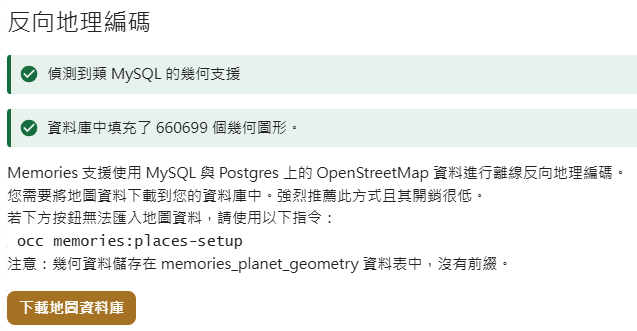
如果建立索引沒開始跑,可以主動要求建立
1 | docker exec -it nextcloud php occ memories:index |
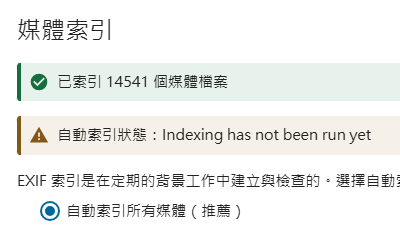
完成後,就可以看到「回憶」>「地圖」出現分類好的照片,
但「人物」還未出現,因為所需的模型尚未下載完成
臉部識別
進入 NextCloud >「管理設定」>「識別」,會看到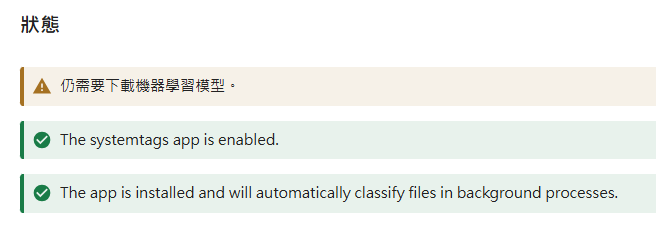
輸入指令主動下載
1 | docker exec -it nextcloud php occ recognize:download-models |
下載完後,臉部識別還未執行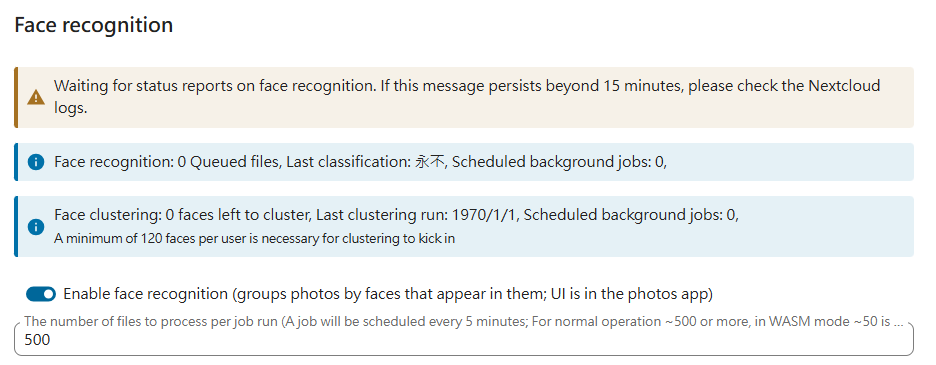
輸入指令立刻開始辨識,這裡視照片量而定,通常花費最多時間。
1 | docker exec -it nextcloud php occ recognize:classify |
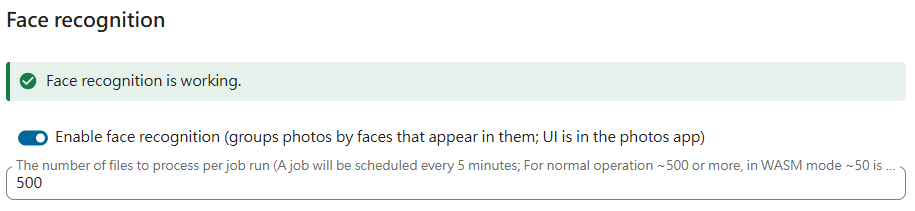
完成後,回到「人物」卻還是空的
輸入指令要求針對臉部進行分類
1 | docker exec -it nextcloud php occ recognize:cluster-faces |
會看到以下輸出
1 | Clustering face detections for user Mike |
再次回到「人物」就有囉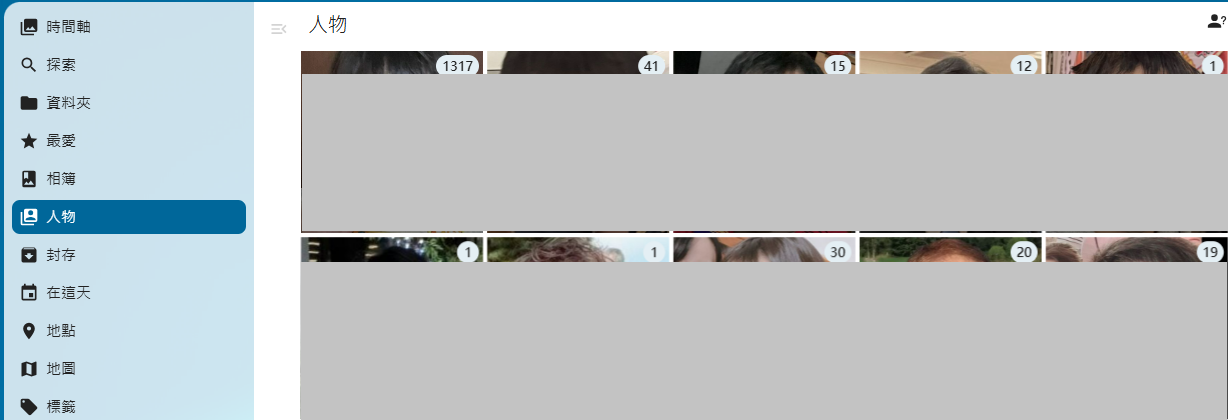
辨識下來,沒有分類的很好,需要手動整理一下
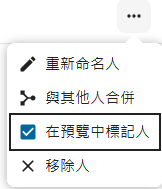
可開啟「在預覽中標記人」後,進行修正。